Preserve the interface before refactoring it
A visual baseline helps define what a worker must leave intact.
I reported in January that an agent-driven refactor had made an existing interface unusable. The request had been for work on an application page, and the result damaged the page that was already there. That failure led me to ask for a visual reference before each relevant task and an explicit instruction to change the intended area while preserving the rest.
The record establishes the failure I reported and the remedy I requested. It does not prove that a browser-integrated workflow was subsequently implemented. The distinction leaves a useful engineering problem to examine: how can a worker preserve an interface when the task gives it no reliable account of the interface’s current state?
A source-code description helps, but it does not show clipped text, an unexpected scrollbar or the space a menu occupies after it opens. A screenshot shows appearance, but it does not establish that the controls still work. Preservation needs evidence of both the displayed state and the relevant interactions.
Choose the states that the change could disturb
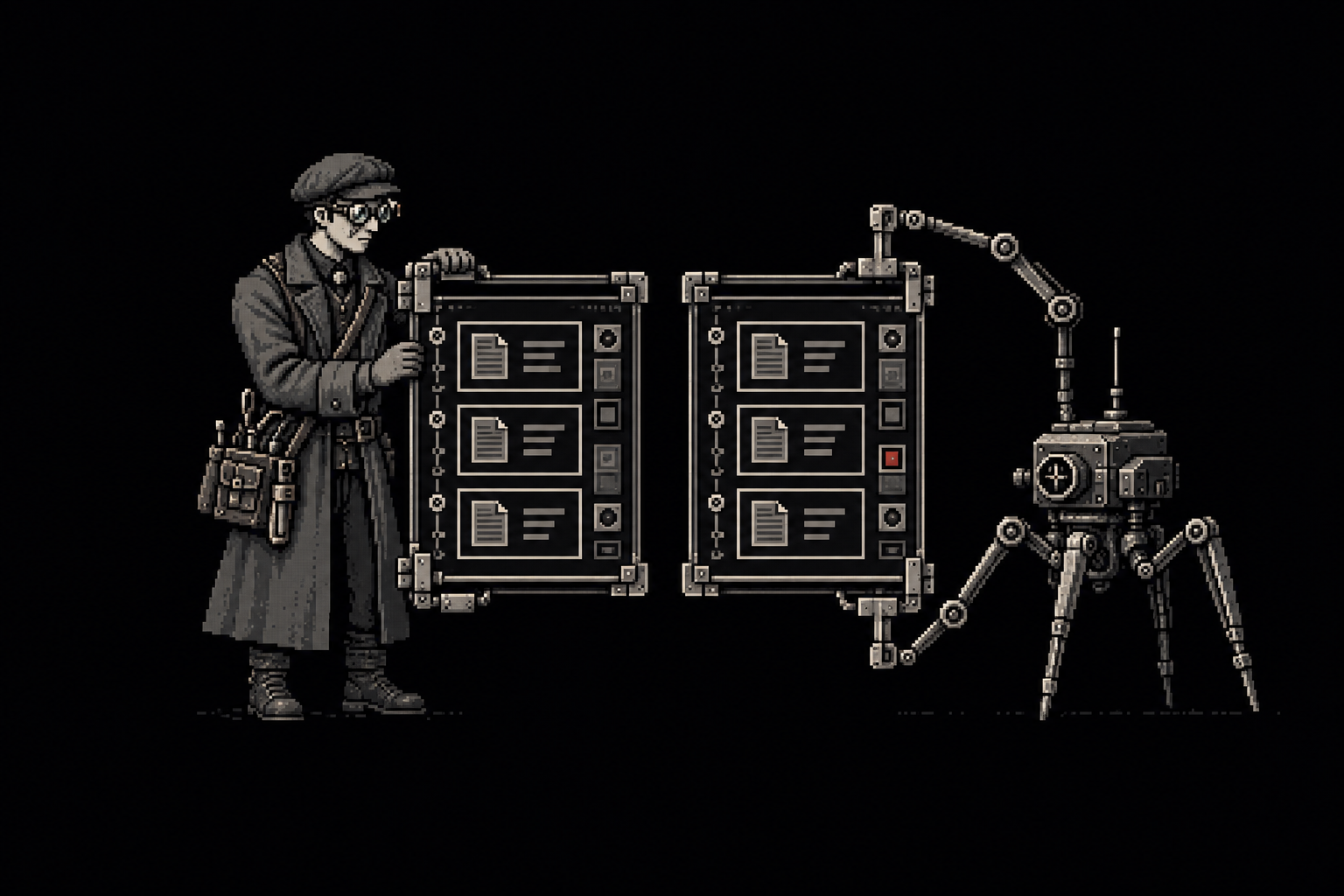
Consider an illustrative task to add filtering to a document list. Before editing, open the list with several documents, with no documents and with a long title. Record the viewport dimensions and capture the page in each state. Open the existing sort control and confirm that its selection still changes the displayed order.
Now define the permitted change. The worker may add a filter control and its state handling inside the list area. Existing navigation, document actions and sorting behavior should remain available. If the design requires moving an existing control, the worker should identify the consequence rather than treating every neighboring element as available for redesign.
The baseline does not need to preserve every pixel forever. It needs to make the intended change distinguishable from incidental damage. A small spacing adjustment around the new control may be necessary, while a changed navigation width may be unrelated to the task.
Compare the same states after the edit
After implementation, repeat the original interactions with the same sample documents and viewport. Add checks specific to filtering, including a search with no matches and a title that would previously have overflowed. The old examples show preservation; the new examples show whether the requested behavior works.
A screenshot difference can identify where the display changed, but it cannot decide whether the change was intended. The reviewer must relate the difference to the task. A font-rendering variation may be harmless, while a missing delete control may be serious even if it occupies very few pixels.
The worker should also check keyboard access to the added control and the existing actions around it. A page can resemble the baseline while its focus order becomes confusing or its filter becomes unreachable without a pointer. The visual and interaction checks answer different questions.
Keep the sample documents unchanged during this comparison, because replacing the long title with a shorter one can make an overflow defect disappear without fixing the layout that caused it in the first place. If the filter changes which document appears at the top of the list, record that expected content change separately from a missing control or shifted navigation so the reviewer can distinguish intended behavior from a preservation failure.
Make unexplained changes a reason to stop
Suppose the filter works, but the document toolbar has disappeared. The agent may be able to explain that a shared component was simplified during implementation. That explanation does not authorize the removal. The task remains incomplete until the toolbar is restored or the user explicitly changes the requirement.
Retain the baseline and the post-change evidence with the tested version. If a later change alters the shared component again, the previous screenshots cannot demonstrate that the latest version preserves the interface.
For a practical review, open the document list from its normal entry point rather than navigating directly to an isolated component preview. Apply the filter, clear it and use the original sort control. The result is ready when the added behavior works in that ordinary sequence and the existing controls remain usable in the states the task was required to preserve.
Source notes
Drew Wiberg, interface-refactor failure report and visual-reference requirement, 22 January 2026. Contemporary author records; proposed remediation is not a verified implementation.
Worked examples and review procedures in this article are instructional applications, not additional historical project results.